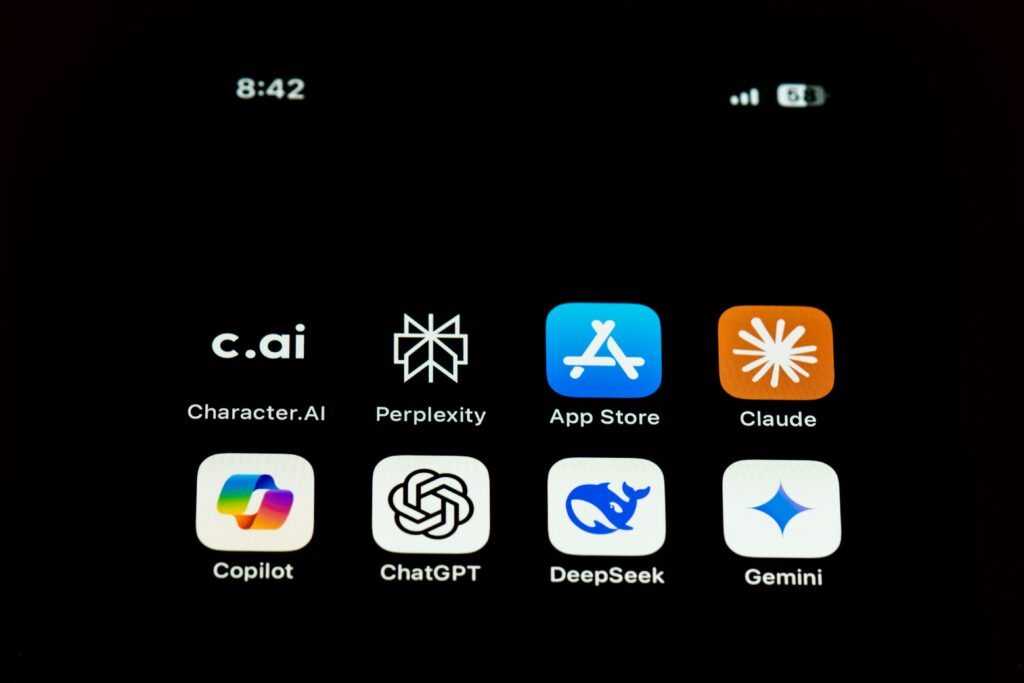
You probably didn’t install five AI tools this week. You didn’t have to.
They came pre-loaded, quietly folded into apps you already trust, and most of us have never stopped to ask what they’re actually doing in the background.
Here’s a closer look at five you may already be using, and what’s worth checking.
1. Your voice assistant
Siri, Alexa, Google Assistant. Convenient, yes. But voice assistants are always waiting for a wake word, and when they activate, your request may be sent to the cloud for processing. In some cases, audio or transcripts may also be stored or reviewed to improve the service, depending on your settings.
Worth doing: check your voice assistant privacy settings. Delete old voice activity where available and turn off audio storage if you do not need it.
2. Your predictive keyboard
Autocomplete and predictive text work by learning patterns in how people type. Some processing happens on your device, but third-party keyboard apps may have different data practices.
Worth doing: check your keyboard settings. Turn off predictive learning if you prefer, and be careful with third-party keyboards that request broad access.
3. Your AI chatbot
ChatGPT, Copilot, Gemini, and similar tools are designed to be helpful, but what you type may be stored, reviewed, or used to improve services depending on the platform, account type, and settings.
Worth doing: avoid pasting sensitive client details, medical information, contracts, passwords, or private family matters into AI tools unless you understand the data controls.
4. Your email and calendar assistant
Smart replies, meeting summaries, and scheduling assistants work because they can access enough of your email or calendar context to be useful. That access can be helpful, but it also deserves attention.
Worth doing: review connected apps and third-party integrations. Remove anything you no longer actively use.
5. Your fitness or health app
Step counts, sleep, heart rate, location, cycle tracking, and workout patterns can reveal more than people realize. Some apps keep this data private; others may share certain information with analytics, advertising, or research partners depending on their policies and settings.
Worth doing: check data-sharing settings, not just app permissions. They are usually different menus.
The pattern here isn’t sinister, but it is worth noticing.
Most of these tools were built to be useful, and many of them are. But usefulness and data collection often travel together, and very few people are given a clear map of what is being collected, why it is collected, or how long it stays around.
You do not need to abandon every tool.
Start with the one you use most. Open the settings. Look for privacy, data sharing, history, connected apps, and personalization.
That is the whole approach: not fear, just a clearer view of what is already happening, and a little more control over it.